
In this guide
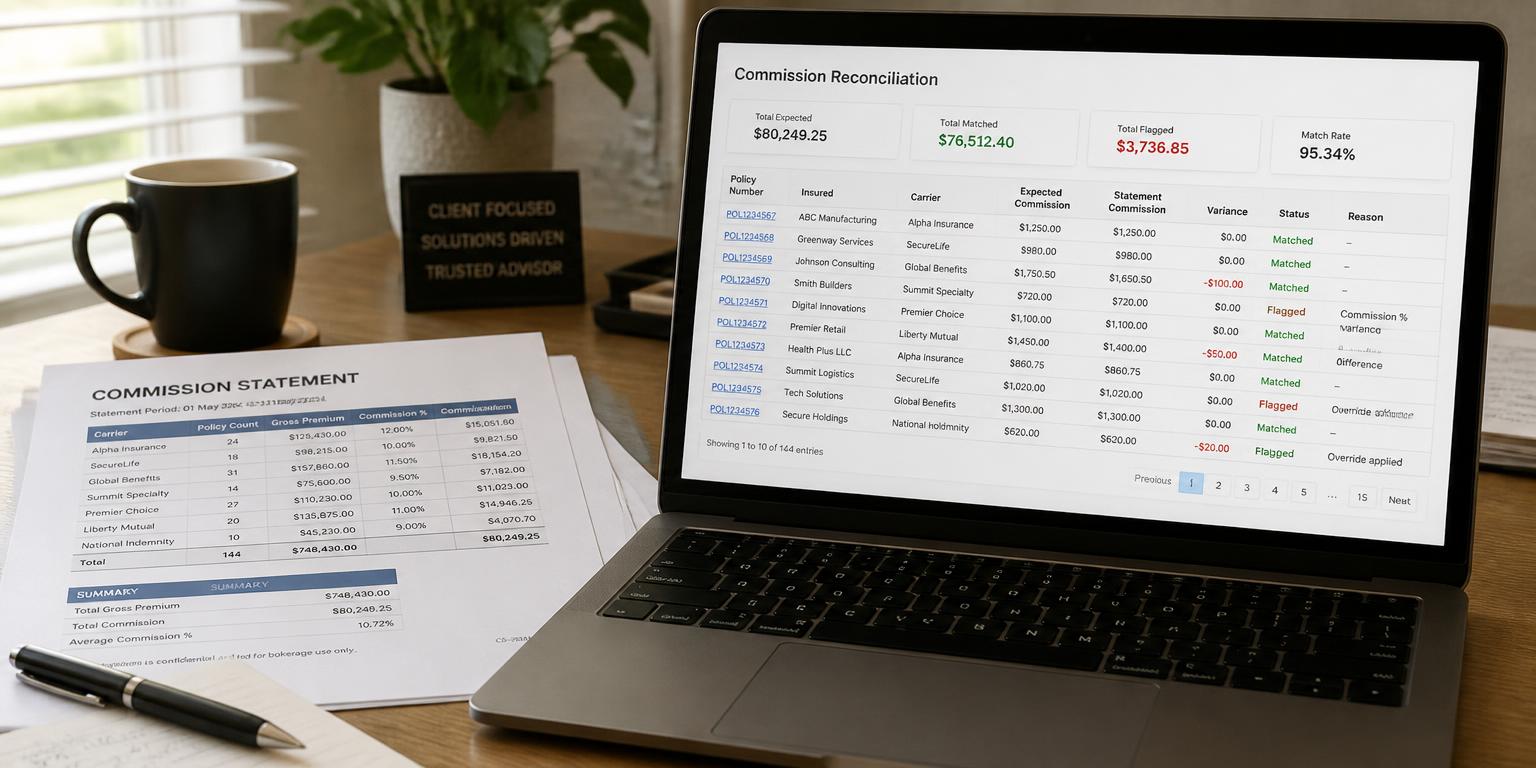
- Reconciliation answers two questions: was every policy paid, and does every payment belong to a policy.
- A variance is a paid amount that differs from the expected amount; an unmatched line is money with no home.
- Match rate and accuracy are more useful measures than total commission received.
- Clawbacks and adjustments have to be identified separately, or a reversal reads as a normal payment.
- The work only becomes sustainable when the expected figure is calculated automatically from your own rules.
Contents
What commission reconciliation actually means
Recording commission is bookkeeping. Reconciliation is control. It answers two separate questions, and most spreadsheets answer neither.
The first question runs from your portfolio outwards: for every policy that should have produced commission this period, did a payment arrive, and was it the right amount? The second runs the other way: for every line on the statement, which policy does it belong to?
- A variance is a payment that arrived but differs from what your commission agreement produces.
- An unmatched line is a payment with no policy attached — often a different policy number format, a policy under a colleague's name, or an adjustment with no explanation.
- A missing payout is a policy that produced nothing at all, and it is the one nobody notices, because nothing shows up to notice.
Reconciliation is finished when every statement line is either matched to a policy or explained. Anything else is a partial check.
It starts with an expected figure per policy
You cannot reconcile against a feeling. Every policy needs a calculated expected commission based on your own agreement: the premium, the rate for that product, the duration factor where one applies, and the payout schedule.
Once that figure exists, reconciliation is arithmetic. Without it, you are reading statements and hoping the totals look about right — which works until a rate is applied wrongly on one product line and nothing in the total gives it away.
If you want to see how the calculation behaves before automating anything, run a policy through the free commission calculator.
What reconciliation software should do for you
Judge any tool against this list, in this order:
- Calculate the expected commission per policy from your rules, not a generic percentage.
- Import the statement and match lines to policies, including near-matches on policy numbers.
- Show variances with the reason, not just a red flag.
- List unmatched statement lines separately so nothing quietly disappears.
- Treat clawbacks and adjustments as their own category.
- Report the period totals: expected, paid, variance, match rate.
What is nice but not decisive
Dashboards, charts and exports matter less than the matching engine underneath them. A beautiful dashboard built on a wrong expected figure is a confident wrong answer.
The measures worth reporting on
Total commission received tells you how much money arrived. It does not tell you whether it was correct. These do:
- Realisation: paid against expected for the period.
- Match rate: the share of statement lines matched to a policy.
- Open variances: how many policies are still unexplained, and their total value.
- Clawbacks: reversals, separated from ordinary payments.
- Unmatched value: money on statements that belongs to no policy in your records.
Reviewed monthly, these five figures make a pattern visible: one product line consistently underpaid, one period consistently short, one insurer consistently late.
Commission Clarity reports exactly these in the Commission Monitor, calculated from the data you already keep.
Why spreadsheets stall at this step
A spreadsheet holds the records well. It reconciles badly, for practical reasons rather than ideological ones.
Matching requires comparing two lists that use different identifiers, formats and period boundaries. Doing that with lookup formulas is possible for one month and unsustainable as a routine — so it becomes an annual exercise, then stops.
The realistic middle path is to keep the data in your spreadsheet and let a tool read it. That is how Commission Clarity works: your Google Sheets records stay yours, and the calculation and matching happen on top. More on the spreadsheet trade-off in spreadsheet or dedicated tool.
How to start without a project
Take one statement period and one insurer, not the whole book.
- Calculate expected commission for the policies in that period.
- Match the statement lines to policies.
- List everything that does not reconcile, in one column, with the reason.
- Decide which of those items you would chase.
If that list contains real money, the case for automating it is made — and you now know exactly which checks to demand from any tool. You can see the whole flow with sample data in the free demo, with no signup.
Frequently asked questions
What is commission reconciliation software?
Software that compares the commission you should have received on each policy against the lines on the insurer's statement, then reports the differences: variances, missing payouts, clawbacks and statement lines that match no policy.
Is reconciliation different from commission tracking?
Yes. Tracking records what was paid. Reconciliation proves that what was paid matches what was owed, which requires an expected figure calculated per policy from your own commission rules.
Can I reconcile commissions in a spreadsheet?
For one period and one insurer, yes. As a monthly routine across several products it usually stops happening, because the matching has to be redone by hand each time.
What is a good match rate?
Aim for every line either matched or explained. The useful signal is the trend: a match rate that drops in one period usually points at a format change or a batch of policies recorded under a different name.
Try Commission Clarity on your own data
Client records, policy portfolio and commission control in one place. Your data stays in your own Google Sheets — Commission Clarity reads it live and highlights the discrepancies.